The Switch
Switching from an iPhone to Pixel or iOS to Android. It’s spring 🌷🌸🌻☀️💐🌼🌺🌾🌞🐝 Why So I recently decided that I was sick of Apple continually raising the

Switching from an iPhone to Pixel or iOS to Android.
It’s spring! 🌷🌸🌻☀️💐🌼🌺🌾🌞🐝
Why
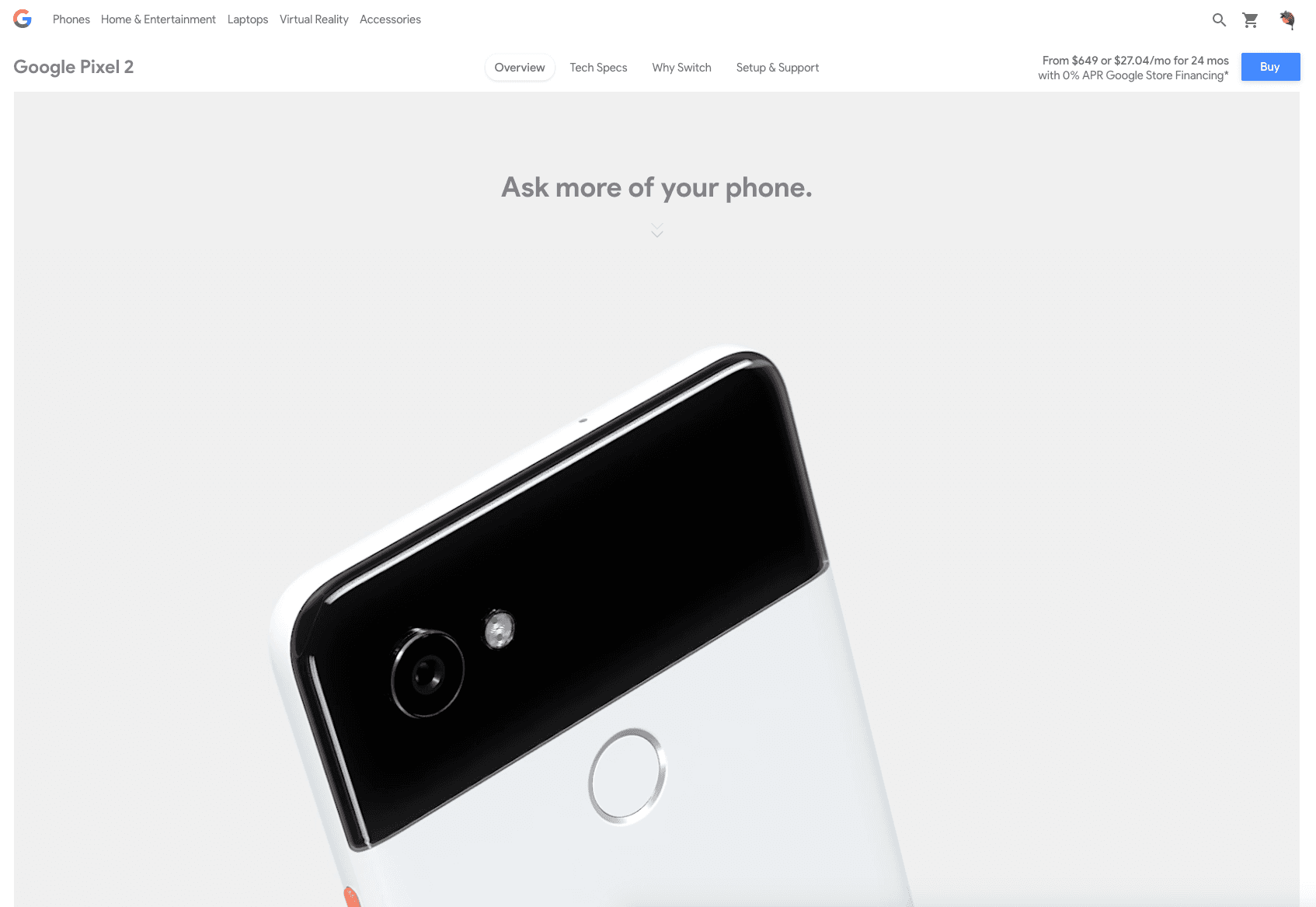
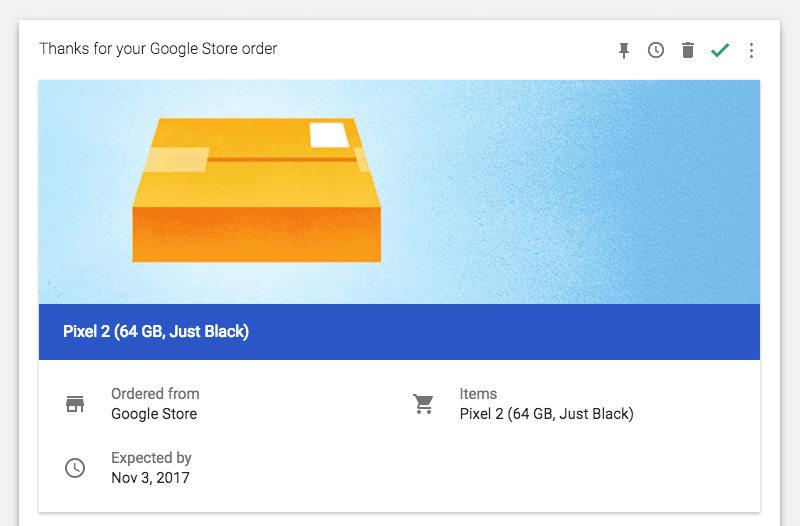
So I recently decided that I was sick of Apple continually raising the cost of their products and that I was sick of not being able to take advantage of a more flexible ecosystem. The base price of the recent iPhone X is $1000. In our existing environment where income inequality is at an all-time high, this base price speaks volume as to who exactly Apple’s target consumers are - a tiny affluent portion of the overall population. And frankly, yes - this could work fine for Apple, but I don’t believe it to be a sustainable model. I used to think of Apple as this sort of eccentric company catering to those who saw themselves as different and happened to be proud of that. I remember getting my first MacBook Pro in 2009 and how a whole new creative world opened up for me in how I interacted with their ecosystem and the many products that only their ecosystem was able to support. But alas, this is no longer the case. When I think of Apple now, I see this arrogant, corporate heavy, cater to the wealthy only type company. I no longer see leading products coming out of this company, and while I have been an Apple fan-girl for nearly ten years, I’ve decided it’s time to move the fuck on to bigger and better things. While another company has been able to provide what I want for a phone, there hasn’t been a company yet that has been able to provide what I want from a laptop (Apple included).Ideally, Google will come out with a better PixelBook that supports more of the programs I’ve grown to know and love that unfortunately only work on macOS or Windows (I don’t want to work with Windows) as of right now. The main reason is that Google’s desktop operating system is ChromeOS and ChromeOS is a wrapper for a bunch of web-based apps. Now, this is one of the aspects I think makes ChromeOS great. Because when you look at most of the tools, we use on a daily basis (unless you’re a hardcore video editor, but even that could change soon), we are using our browser to access them. Google realized this early on and centered their entire OS around this idea. Discord, 1Password, Slack, Grammarly, calendar, email, notes, presentation software, Spotify, etc. - a lot of apps I use daily are all capable of running on the web without sacrificing feature access. Being web-based, I feel, is the future of OS.However, a lot of great dev apps that I depend on have also not adopted this cross-platform/web model that allows the developers to create the app once. While many platforms work both on the web and across all dominant OS, there are still a few that work solely on macOS (e.g., Sketch, fantastic productivity tools like Alfred, GUI clients for GitHub).So anywho, with that little rant as context, I decided in November of last year to make that first switch and go from iOS to Android. AND let me tell you - the results have been GREAT.
 🔍 zoom
How
The main thing though that folks want to know when making the switch is which apps will replace those built-in ones they love so much from iOS.FYI, all these Google-based apps are smarter than the Apple based ones since they directly feed off all the information you provide Google through search. So let’s go through these switches one-by-one!
- Why - How- Books - Browser- - Calendar- - Email- - File Transfer- - Fitness- - Money- - Music- - Navigation- - News- - Notes- - Photos- - Reminders- - SMS- - Video
Pro Tip: Use Homebrew-Cask to install the desktop apps easily.
Books
iBooks 👉🏽️ Google Play Books
🔍 zoom Unlike iBooks, Google Play Books can serve you as an offline-first web app that is also wholly cross-platform with Android & iOS options.ℹ️ FYI If you need help finding out where your ePub/PDF files are from iBooks, this Stack Overflow answer for Where are my iBooks stored in macOS Sierra? will become quite handy.
Browser
Safari 👉🏽️ Chrome
🔍 zoom If you’re a developer, most folks recommend using Chrome and frankly I’ve used Chrome for the longest time now so I can’t even offer any arguments for why other browsers might be better. Chrome & their DevTools have always just worked great for me. But I still use Safari for the one thing Chrome has yet to offer which is PiP or Picture-in-Picture.Unfortunately, the current solutions for Chrome are quite dismal.I’ve tried Helium but that’s just a separate browser, so it doesn’t seem that useful to me. My sister uses Safari because she thinks the UI is cleaner which doesn’t make sense to me but it’s okay Rosi - you do you. 😂
Calendar
Apple Calendar 👉🏽️ Google Calendar
🔍 zoom If you’re a developer, most folks recommend using Chrome and frankly I’ve used Chrome for the longest time now so I can’t even offer any arguments for why other browsers might be better. Chrome & their DevTools have always just worked great for me. But I still use Safari for the one thing Chrome has yet to offer which is PiP or Picture-in-Picture.Unfortunately, the current solutions for Chrome are quite dismal.I’ve tried Helium but that’s just a separate browser, so it doesn’t seem that useful to me. My sister uses Safari because she thinks the UI is cleaner which doesn’t make sense to me but it’s okay Rosi - you do you. 😂
Calendar
Apple Calendar 👉🏽️ Google CalendarGoogle Calendar is excellent of course and utterly cross-platform with integrations in Google Inbox & Google Keep, but it doesn’t work with other email providers like Outlook. Unfortunately, I use Outlook for work so for the time being; I use Fantastical whenever I’m on my Mac. Whenever I’m on the go, I ignore work related stuff and use Google Calendar which has everything else I need (lol).
Mail 👉🏽️ Google Inbox
🔍 zoom
File Transfer
AirDrop 👉🏽 Portal by Pushbullet Not going to lie to you, AirDrop is neato. I still use it sometimes to transfer files from my Mac to other people’s Macs. However, a bummer about AirDrop is that it only works with Apple’s ecosystem of devices. With Portal, you need to have the app downloaded on the devices you want files transferred to similar to how
Fitness
Health 👉🏽️ Export Health Data 👉🏽️ Google Fit
🔍 zoom I think you’re probably starting to see the same pattern, but yes basically, Google Fit is excellent in that it also offers a web version of all the fitness data they collect.
🔍 zoom Try not to judge my lack of activity - my phone doesn’t track everything. 😛️
Money
Wallet 👉🏽️ Google Pay
🔍 zoom
Music
iTunes 👉🏽️ Spotify, Google Play Music
🔍 zoom Apple’s music infrastructure is very elite and has a loyal fan base (e.g., my siblings). However, what makes Google Play Music quite valuable is their association with YouTube. Because YouTube is by far the most popular video streaming sites in the world, Google Play Music having YouTube Red as part of the subscription package is a huge plus.
🔍 zoom
🔍 zoom I would have switched to Google Play Music a while ago, but I pay less with Spotify Premium (students) as of now. Once my partner and I are more settled down, we will probably switch to that though with an unlimited subscription.
🔍 zoom
Navigation
Apple Maps 👉🏽️ Google Maps, Waze
🔍 zoom Okay - IMO - if you were ever using Apple Maps, I have nothing to say to you except wow, that makes no sense at all. My sister uses Apple Maps still for some arbitrary reason, and I mock her for it all the time. Rosi, if you’re reading this, I don’t feel a shred of empathy. 😂I don’t drive anymore because frankly, driving is super scary but if I’m helping someone navigate, I prefer to use Waze where I’m royalty. 👑️
🔍 zoom However, a plus that Googles offer (haha) is that you can level up as a Local Guide contributor and get some sweet prizes. I’m still on Level 5.
🔍 zoom
News
Apple News 👉🏽️ Google Play Newsstand, Subscription
🔍 zoom Initially, I was pretty fine with using Google Play Newsstand which is entirely cross-platform, unlike Apple News. Apple News is literally just supported on iOS while Google Play Newsstand is supported by iOS, Android&Web.However, I realized after some time that I like the quality of news I get from The New York Times so I subscribed. 📰️
🔍 zoom Regardless, when are more companies going to realize that the web is the future of mobile & OS anyways?
Notes
Notes 👉🏽️ Google Keep
🔍 zoom As I mentioned before, Google Keep integrates well with Google Inbox & Google Calendar. You can even copy your notes to Google Doc as shown in the GIF above.
🔍 zoom HOWEVER. For me, it doesn’t have a UI right now that supports long form notes which is the reason why I mostly used Notes.
🔍 zoom Quick jots for me were always created as reminders or soon turned into more extended notes. There are a lot of note taking options honestly with notable ones being Evernote, Quip&Notion.
🔍 zoom I used to love using Quip, but I’ve since switched to just using Notion for any note-taking since it integrates well with Slack and has a better UX.For now, Notion supports web and iOS, but I expect that to change soon.
Photos
iCloud Photos 👉🏽️ Google Photos
🔍 zoom Unlimited storage and a 10x better UI than Apple Photos? I was already using Google to store photos way before the switch.
Reminders
Reminders 👉🏽️ Google Keep
🔍 zoom Hmmm. The transition here is where things got a little hairy. The reason I liked using Reminders so much is that it was very simplistic and integrated with my favorite calendar desktop app - Fantastical.However, the reality is there are some great reminder options out there now like Todoist and Microsoft’s To-Do (they acquired Wunderlist) so this isn’t a big deal.
🔍 zoom
I use Todoist, and all my reminders integrate right into my Google Calendar which in turn works swimmingly with every significant calendar desktop app worth a damn like Fantastical or BusyCal.SMS
iMessages 👉🏽️ Google Allo, Android Messages
Things are quite fishy here. Google has way too many apps for messaging (Google Hangouts, Google Allo & Android Messages) and it rightfully confuses consumers who interact with them.
 🔍 zoom
Granted, you won’t get Animoji but Allo is more cross-platform than Apple Messages by working on both Android & iOS as well as the web. Unfortunately, it’s been hard to convince everyone I text to use Allo with me, so I’ve had to stick with Android Messages.
Video
FaceTime 👉🏽️ Google Duo
🔍 zoom
As I said before, Google’s communication offerings can confuse consumers and they need to still work on centralizing everything into one platform. For professional stuff, I prefer to use Daily.co but of course for personal calls, you can’t go wrong with Google Duo which is supported by both Android & iOS.In January of this year, the Duo team teased that Duo would be coming to the web soon but who the hell knows? But yes, ideally, Duo becomes even more cross-platform because then it could compete with FaceTime even better.
Tags 🏷️
Organizations 🏢
 Slack
Slack